A live review feed is a widget or ticker that shows genuine, recent customer reviews or activity in near real time on your site. Display only real events, keep a full range of ratings, honor platform rules and privacy laws, and test page speed so the feed builds trust without slowing the page or misleading visitors.
- Live feeds show visitors that real customers are active right now, which supports trust when the content is authentic.
- Only genuine reviews and real activity may be shown, because fake or fabricated activity can break consumer protection rules.
- Filtering to only five-star reviews can mislead visitors and is risky under review and advertising rules, so show a representative mix.
- Unsourced conversion lift claims should be avoided, and the effect should be measured with your own A/B test.
- Feeds should load asynchronously so they do not slow the page.
- Reviewer privacy matters, so show only names and details that the customer agreed to display.
- Place feeds near decision points such as pricing, checkout or sign-up forms.
- Moderate and monitor the feed so offensive or off-topic content is not shown.
What is a live review feed and when should you use it?
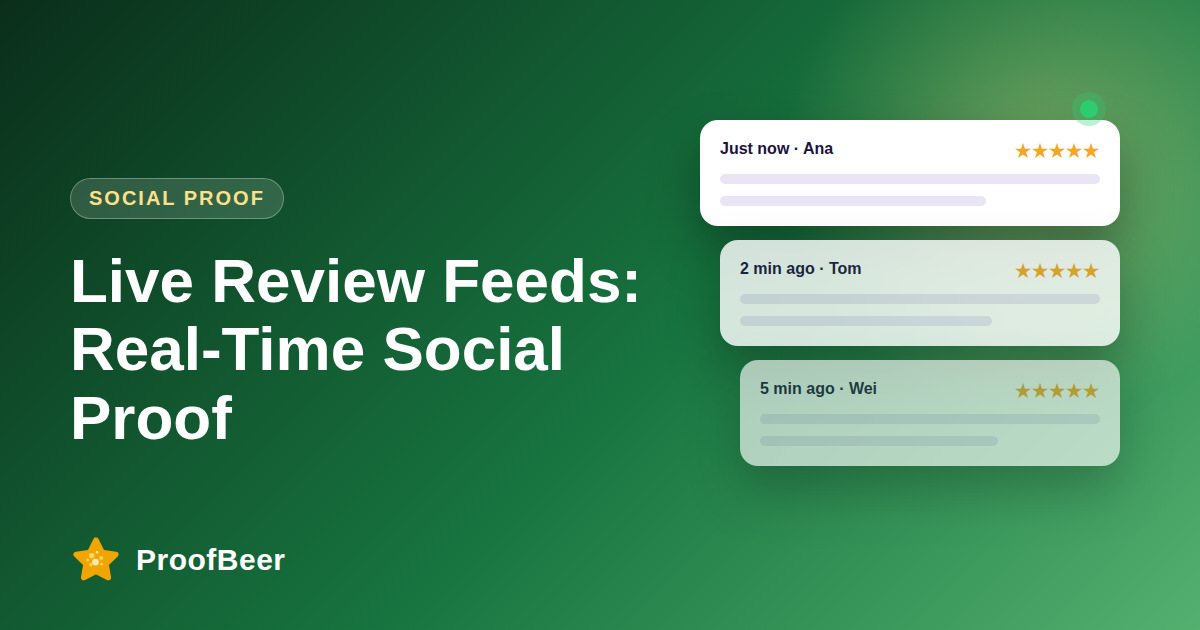
- It is a widget that streams recent reviews or recent customer activity onto your pages, either in real time or on a short delay.
- It works best for sites with a steady flow of genuine reviews, so the feed never looks empty or stale.
- Businesses with low volume should consider a curated carousel of recent reviews rather than a feed that appears dead.
- It is meant to support trust at moments when visitors are deciding, not to create fake urgency.
- The feed should always link back to the full reviews page or the original source.
Which rules and legal risks apply?
- The FTC rule on fake reviews and testimonials, effective in the United States, prohibits fake or misleading reviews, so only real reviews should appear.
- Showing fabricated purchase notifications or fake visitor counts can be treated as deceptive in many jurisdictions.
- Hiding negative reviews or showing only the best ones can mislead consumers, so keep a fair range and follow platform guidelines.
- Reviewer names, photos and locations are personal data, so follow privacy law and get consent where needed.
- Check the terms of each platform whose reviews you display, since some limit how reviews may be shown.
How should you choose which reviews to show?
- Display recent, verified reviews with different ratings, including balanced three and four-star comments where available.
- Allow moderation to remove spam, abusive content or personal data, but do not remove reviews just because they are critical.
- Show the date and source so visitors can judge how fresh and authentic each review is.
- Rotate reviews so the same few are not shown to every visitor.
- Consider topic filters, such as showing reviews about delivery on a shipping page.
How do you keep the feed fast and accessible?
- Load the widget asynchronously and defer it below the main content, following web.dev performance guidance.
- Reserve space for the widget to avoid layout shift as it loads.
- Keep animations subtle and let users pause or reduce motion.
- Make text readable, use sufficient color contrast and allow keyboard access.
- Test on mobile networks, since a heavy widget can hurt both user experience and search performance.
How do you measure whether it works?
- Run an A/B test with and without the feed on a key page and compare conversion rate over enough visits.
- Track clicks on the feed and on the link to the full reviews page.
- Watch bounce rate and page speed metrics to catch performance problems.
- Ask customers in a short survey whether they noticed and trusted the reviews.
- Use your own test results, not outside lift numbers, when deciding to keep or remove the feed.
Step-by-step: how to do this with ProofBeer
Decide where a live feed would help, such as a pricing page, product page or checkout.
Confirm you have enough genuine reviews to keep the feed fresh.
Set moderation rules that remove spam and abuse but keep honest critical reviews.
Choose a widget layout that shows rating, date, source and a short excerpt.
Get consent or use only fields that reviewers agreed to show publicly.
Install the widget with asynchronous loading and test page speed on mobile.
Add a link to the full reviews page and the original sources.
Run an A/B test, review the results after enough traffic and keep or adjust the feed.
Common mistakes to avoid
Metrics to track
Conversion rate on pages with and without the feed.
Track click-through to the full reviews page every month so changes are easy to spot.
Track page load speed and layout shift scores every month so changes are easy to spot.
Share of feed reviews that are verified or sourced.
Track number of moderation removals and the reasons every month so changes are easy to spot.
Quick checklist
Examples and templates
'4 stars, Jamie, three days ago: delivery was quick and support answered my question.'
remove spam, abuse and personal data, but never remove a review only for being negative
show the feed to half of visitors for four weeks and compare conversion rate
- Link every feed item back to its source
- Pause the feed on pages where it distracts from forms
- Review moderation decisions monthly for fairness
How ProofBeer Helps You Grow
ProofBeer widgets display your approved reviews and testimonials, and can update as new ones arrive .
You control moderation and approval, which keeps spam out while letting honest feedback stay visible.
The widget design is built for readability and fast loading, so it supports trust without hurting your page experience .
Frequently Asked Questions
Is it legal to show a live review feed?
It can be, as long as the reviews are genuine, the feed is not misleading and you follow privacy law and platform terms. Rules differ by country, so check local requirements and consider legal advice.
Can I show only my five-star reviews?
That is risky. Selecting only the best reviews can mislead consumers and may breach advertising or platform rules. Display a fair representation of recent reviews and moderate only for genuine problems such as spam.
Will a live feed slow my website?
It can if it is poorly built. Load it asynchronously, reserve space to avoid layout shift and test on mobile. Follow performance guidance from web.dev and measure page speed before and after installing it.
What if I do not have many reviews?
A live feed with few reviews looks empty. Use a curated carousel or a static wall of testimonials until volume grows, and run steady review collection to build up a base.
Do live feeds increase conversions?
Some businesses see gains, but results vary and no universal figure applies. Run your own A/B test to see whether a feed helps your visitors, and avoid using unverified lift numbers.
How does ProofBeer support live feeds?
ProofBeer widgets can show your latest approved reviews and testimonials, with a live or auto-updating option . You choose which reviews appear, and the widget links to full details.
Conclusion
A live review feed works when it shows real customers honestly and loads quickly. Keep a fair mix
of reviews, follow the rules, protect privacy and let your own test data decide whether it earns
its place.
- FTC rules on fake reviews and social proof
- web.dev performance guides