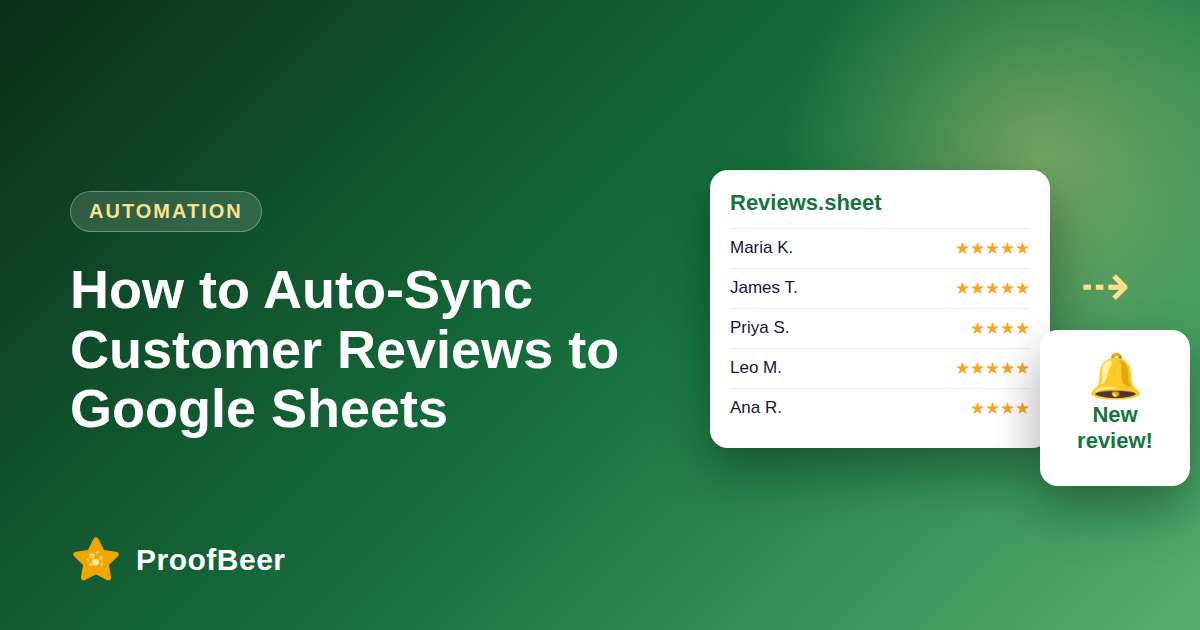
To auto-sync customer reviews to Google Sheets, connect your review tool to a master spreadsheet so each new review adds a row with rating, text, source and sentiment, then use Zapier or Make to trigger alerts, graphics and Looker Studio or Power BI dashboards. With ProofBeer the setup takes about three minutes.
- Google Sheets works as a free, shareable hub for all customer feedback.
- Every review becomes one structured row: timestamp, author, rating, text, source, sentiment, media link.
- Automations on top of the sheet can create social graphics, Slack alerts and CRM tags.
- Dashboards in Looker Studio, Power BI or Tableau read the same sheet live.
- Structured feedback data also makes it easy to find quotes and themes for content and AI summaries.
Why a spreadsheet is the best feedback hub
- Feedback is scattered across Google, Facebook, forms and booking engines.
- One sheet gives marketing, product and support a single source of truth.
- No developer needed: everyone already knows how to filter and sort a sheet.
- Free to run and easy to share with view-only access for stakeholders.
Which data fields get synced
| Column | Field | What it holds |
|---|---|---|
| A | Timestamp | Date and time the feedback was submitted |
| B | Author name | Customer or verified reviewer profile |
| C | Rating | Star score (1-5) or NPS score |
| D | Feedback text | The verbatim comment or testimonial |
| E | Source | Google, Facebook, form or direct link |
| F | Sentiment tag | Positive, neutral or critical (AI-evaluated) |
| G | Media URL | Link to a photo or video testimonial |
Automation 1: reviews to social graphics
- A customer submits a 5-star review through a ProofBeer form.
- ProofBeer adds a row to the Google Sheet.
- Zapier or Make detects the new row where Rating = 5.
- The automation calls a design API such as Bannerbear with the quote, name and avatar.
- An on-brand quote graphic is saved to Drive or sent to your social scheduler.
Automation 2: executive dashboards
- Connect the sheet to Looker Studio, Power BI or Tableau as a live data source.
- Chart NPS and average rating month over month.
- Track keyword frequency: pricing, onboarding, support, speed.
- Compare satisfaction with retention data from Stripe or ProfitWell.
- Share one link with leadership instead of sending monthly slide decks.
Sheet hygiene tips
- Freeze the header row and lock formula columns.
- Add a data validation drop-down for status: New, Approved, Published, Hidden.
- Keep consent fields: 'OK to publish publicly' yes/no.
- Use one tab per source if volume is high, plus a master tab with formulas.
- Archive rows older than 24 months to keep the sheet fast.
Step-by-step: how to do this with ProofBeer
Create a Google Sheet named 'Customer Feedback Master' with the seven columns above.
In ProofBeer, open Integrations and choose Google Sheets.
Authorise your Google account and select the sheet and tab.
Send a test submission and confirm a new row appears.
Add a Zapier or Make scenario for 5-star reviews (graphics) and 1-2 star reviews (Slack alert).
Connect the sheet to Looker Studio and build a one-page dashboard.
Common mistakes to avoid
Metrics to track
Time from review submission to row in sheet (target: under 5 minutes).
Share of reviews tagged with a theme.
Number of reviews turned into social posts per month.
Average rating and NPS trend in the dashboard.
Quick checklist
Examples and templates
Use the column layout above as your master tab, then start with these three automations:
New row where Rating = 5 → create quote graphic → save to Drive
New row where Rating ≤ 2 → post to #urgent-reviews in Slack
Weekly average rating, count by source, top keywords
- Name tabs by source (Google, Facebook, Forms) and keep one master tab
- Use IMPORTRANGE or Looker Studio for executive views so the raw sheet stays private
- Archive rows older than 24 months to keep the sheet fast
How ProofBeer Helps You Grow
Native Google Sheets integration that adds a row for every new submission and synced review.
Sentiment tagging on each row so dashboards can filter by tone.
Works alongside Google and Facebook review sync, so one sheet covers every source.
Frequently Asked Questions
Can I sync Google reviews to Google Sheets automatically?
Yes. Connect your review platform to a sheet, either through a native integration or through Zapier or Make, and each new review is appended as a row within minutes.
Is Google Sheets safe for customer data?
It is secure if you control access. Limit sharing, avoid storing sensitive personal data, and follow GDPR or CCPA consent rules for anything you publish.
Do I need Zapier to use the Google Sheets integration?
No for the basic sync. You need Zapier or Make only for extra steps such as creating graphics, sending Slack alerts or adding CRM tags.
How many reviews can one Google Sheet handle?
A Google Sheet can hold millions of cells, but performance drops with very large files. Archive old rows or split tabs once you pass tens of thousands of reviews.
Can I use the sheet for AI review summaries?
Yes. Export or connect the sheet to an AI tool to cluster themes, extract quotes and draft conversion copy, then link back to the original reviews as evidence.
Conclusion
Syncing reviews to Google Sheets removes manual data entry and unlocks automation, dashboards and faster content. Set it up once, add a consent column and an approval step, and your feedback becomes a reusable data asset.
- Google Sheets help centre (connected sheets and sharing)
- Zapier / Make documentation for Google Sheets triggers