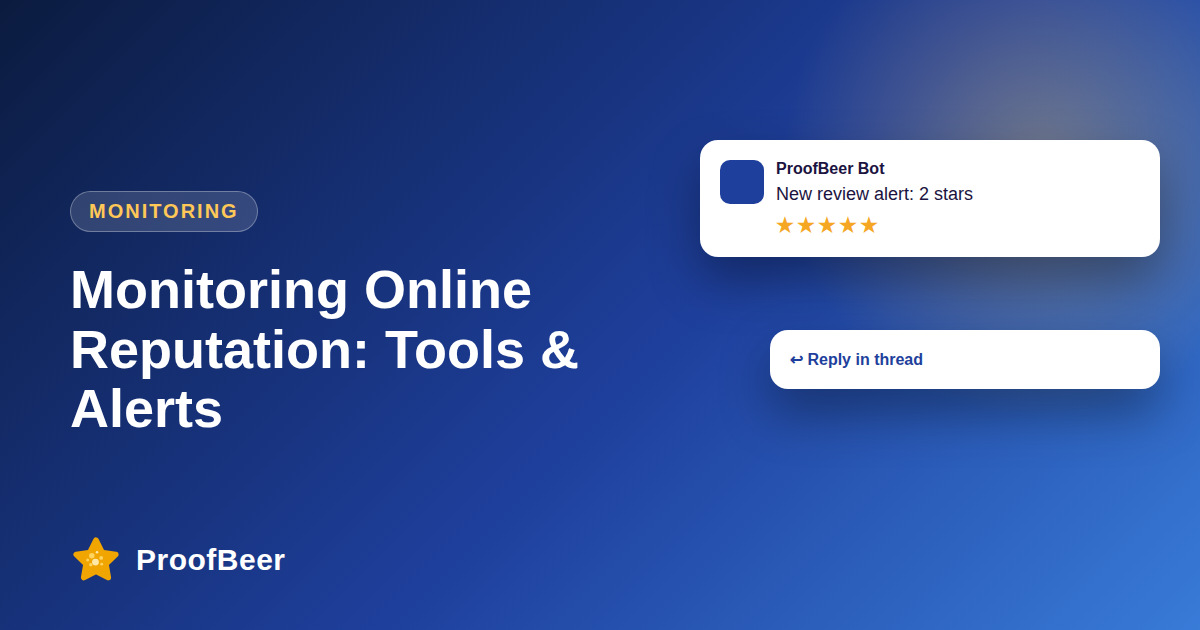
Monitor online reputation by listing every platform where customers talk about you, setting email, SMS or Slack alerts for new reviews and mentions, defining response times by rating, assigning owners and reviewing trends weekly. Fast alerts let you answer negative reviews quickly, spot issues early and keep a clear record of what was done.
- Reputation monitoring means watching every place customers review or discuss you, not just one platform.
- Alerts through email, SMS or Slack shorten the time between a review appearing and a team member seeing it.
- Response times should depend on rating and severity, with negative and urgent reviews handled first.
- Every platform and alert needs a named owner, or alerts will be ignored.
- Filter alerts by rating or keyword to avoid alert fatigue.
- A weekly trend review turns individual reviews into patterns that guide fixes.
- Keep a simple log of reviews, replies and outcomes so that you can show accountability.
- Align your internal response targets across all documents so the team follows one standard.
Which platforms should you monitor?
- Google reviews and questions, which are often the first place customers look for local businesses.
- Facebook reviews, recommendations and comments on your page and posts.
- Yelp and other local or regional directories relevant to your market.
- Industry sites such as G2 and Capterra for software, or specialist platforms for your sector.
- Marketplaces such as Amazon and Etsy if you sell there, where reviews are tied to products.
How should you set up alerts?
- Choose email alerts for new reviews so there is a written record and anyone on the team can follow up.
- Filter by rating so that low ratings trigger a faster or louder alert than five-star reviews.
- Use SMS or phone notifications only for urgent issues, to avoid overloading people.
- Send a copy to a shared Slack channel so the team can see what is happening and coordinate replies.
- Test every alert path with a sample review to confirm it arrives where you expect.
What response targets should you set?
- Respond to negative reviews as soon as possible, often within a few hours during business days.
- Respond to neutral reviews within about a day, since they can contain useful feedback.
- Respond to positive reviews within a day or two, with a brief and personal thank you.
- Use the same targets in every document so that the team is not confused by conflicting numbers.
- Adjust the numbers to match your staffing and review volume, and review them quarterly.
What does a simple monitoring process look like?
- Assign an owner for each platform, plus a backup for holidays and busy periods.
- Create reply templates for common situations so the team can respond faster while still personalising.
- Log every review, reply and outcome in a shared sheet or tool.
- Escalate legal, safety or fraud claims to a manager or specialist immediately.
- Hold a short weekly meeting to review new feedback, open cases and trends.
Which metrics show if monitoring works?
- Time to detect measures how long a review waits before someone sees it.
- Time to reply measures how long a review waits before a response is posted.
- Rating trend shows whether your overall score is moving up or down over time.
- Review volume by platform shows where customers talk about you most.
- Open cases and resolution rate show whether serious issues are followed through.
Step-by-step: how to do this with ProofBeer
List every platform where customers review or mention your business.
Set up alerts for new reviews and mentions, with rating filters.
Define response targets by rating and publish them to the team.
Assign an owner and a backup for each platform and review type.
Test the alerts by sending a sample and checking who receives it.
Monitor daily for urgent items and hold a weekly review of trends.
Review the process monthly, retire noisy alerts and update the targets.
Common mistakes to avoid
Metrics to track
Average time from review posted to team alert.
Average time from the alert arriving to the public reply.
Share of reviews that receive a reply within target.
Rating trend by platform over the last three months.
Number of escalations and how long their resolution took.
Quick checklist
Examples and templates
rating one to two stars, any platform, email plus Slack, immediate
negative within hours, neutral within a day, positive within one to two days
new reviews, open cases, themes, rating trend, actions
- Filter out five-star reviews from instant alerts and send them to a daily digest
- Keep a log so that you can prove what was done and when
- Review the response targets together with your other documents so they match
How ProofBeer Helps You Grow
Review aggregation and alerts bring reviews from several platforms into one dashboard so you can see new feedback in one place.
Slack and email integrations can send new reviews to your team's channels.
Dashboards and reports show volume, ratings and response times, helping you review trends in your weekly meeting.
Frequently Asked Questions
How do I monitor reviews automatically?
Use a review management tool or each platform's own notifications to send alerts when a new review appears. Aggregate the sources where possible, filter by rating and send alerts to a shared channel so more than one person sees them.
Which review alerts matter most?
Alerts for negative and urgent reviews matter most, since delay can damage trust. Also set up alerts for mentions of safety, legal or fraud issues, and a lower priority digest for positive and neutral reviews.
What response time should I set?
Set targets by rating and severity, such as a few hours for negative reviews and a day or two for positive ones. Choose numbers your team can meet, apply them consistently and review them each quarter.
How often should I review reputation trends?
Weekly is a good rhythm for most teams, with a monthly summary for leaders. Look at new reviews, rating changes, repeated complaints and open cases so that small problems are noticed before they grow.
Do I need Slack to monitor reviews?
No, but a shared channel such as Slack or Teams makes it easier for several people to see and coordinate replies. Email or a shared inbox works too, as long as someone owns the follow up.
What if my alerts are too noisy?
Filter by rating, platform or keyword, and send routine reviews to a daily digest instead of instant alerts. Keep instant alerts for negative or urgent reviews, and remove alerts that nobody acts on.
Conclusion
Monitoring turns reviews into an early warning system. Set clear alerts, agree on response targets, name an owner for each platform and review trends every week.
- Google Business Profile Help
- Tool documentation