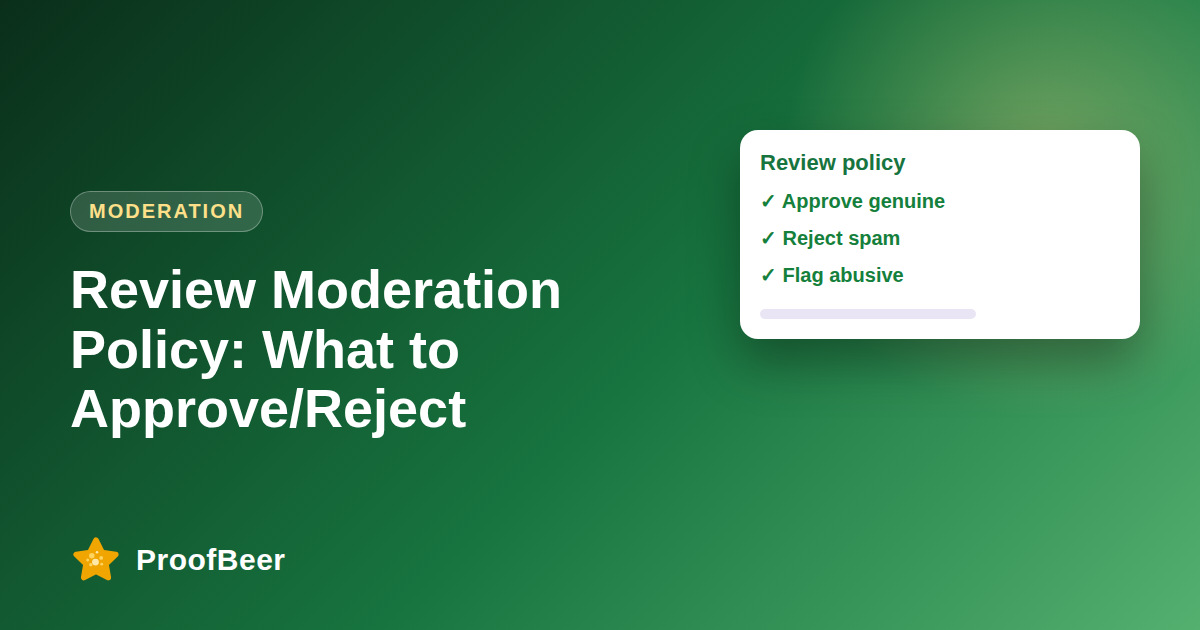
A good review moderation policy approves honest feedback, including negative reviews, and rejects spam, fake, abusive, illegal or off-topic content. Write clear rules, document every decision, tell reviewers why when you reject a review where possible, and never suppress reviews simply because they are critical.
- Moderation is quality control for your review system and is not a way to hide criticism.
- Legitimate negative reviews and detailed positive reviews should be approved.
- Spam, fake reviews, harassment, illegal content and other people's personal data should be rejected.
- A gray-area workflow, where unclear reviews are flagged and the reviewer is asked for details, reduces bad decisions.
- The FTC's rule on consumer reviews and testimonials bans fake reviews and restricts suppressing negative ones, so check it with legal counsel for your situation.
- Document your rules and log every decision so you can show consistent, fair treatment.
- Spam filters, duplicate detection and rate limits can handle obvious cases, but a person should review edge cases.
- Review your policy at least every quarter and whenever platform or legal rules change.
Which reviews should you reject?
- Spam or advertising reviews that mainly exist to promote a link or another business.
- Obvious fake reviews, including those written by the business itself, its staff or a review farm.
- Harassment, hate speech, threats or abusive language aimed at individuals.
- Reviews that publish another person's private data, such as phone numbers or home addresses.
- Off-topic content, such as complaints about a different company or unrelated political posts.
Which reviews should you approve?
- Legitimate negative reviews that describe a specific problem, even when they are uncomfortable to read.
- Positive reviews that give details, because they are useful to future customers.
- Honest comparisons with competitors that stay factual and civil.
- Mixed reviews that list both strengths and weaknesses.
- Reviews with mild language where your policy allows it and the context is clearly about the experience.
What is a good gray-area workflow?
- Flag unclear reviews for a manual check instead of making a quick yes or no decision.
- Email the reviewer to ask for details, such as an order reference or what happened.
- Set a clear deadline for the response so the review does not wait indefinitely.
- Decide strictly according to your written policy and not the tone of the review.
- Log the decision, the reason and who made it.
What legal and platform rules should you know?
- The FTC's Consumer Reviews and Testimonials rule addresses fake reviews and the suppression of negative reviews, with narrow exceptions, so ask counsel how it applies to you.
- Do not delete a review because it is critical of your business.
- Give people a clear way to report content for takedown, such as a privacy or abuse complaint.
- Respect privacy laws when reviews contain personal data, including requests for deletion.
- Keep an audit trail of what was published, rejected and why.
How can tools and automation help with moderation?
- Spam filters and duplicate detection catch the obvious cases before a person sees them.
- Rate limits stop one account or address from posting many reviews quickly.
- Auto-approve rules can be limited to trusted, verified buyers while others go to a queue.
- A moderation queue with assigned roles keeps decisions consistent and visible.
- Quarterly reviews of rules and false positives keep the system fair.
Step-by-step: how to do this with ProofBeer
Draft a one-page policy with clear approve, reject and escalate categories.
Share the policy with the team and any legal or compliance contact.
Configure spam filters, duplicate checks and rate limits where your tools support them.
Create a moderation queue with assigned roles and backup coverage.
Train moderators using real examples of approve, reject and gray-area cases.
Test the policy on a sample of past reviews and compare the decisions.
Audit decisions monthly and update the policy at least every quarter.
Common mistakes to avoid
Metrics to track
Average time to moderate a review.
Approved versus rejected share by reason code.
Number of appeals and how many were upheld.
Spam caught before publication.
Share of decisions that passed the monthly audit for policy consistency.
Quick checklist
Examples and templates
'We publish honest reviews, including critical ones, and we remove only spam, fake, abusive, illegal or off-topic content.'
'Thanks for your review. We could not publish it because it includes another person's phone number. Please resubmit without it.'
'Review flagged for missing order details; reviewer emailed; no reply in seven days; published as submitted because no policy rule was broken.'
- Use reason codes so reports show why reviews were rejected
- Keep moderators separate from the people being reviewed where possible
- Never trade removal of a review for a favour or discount
How ProofBeer Helps You Grow
A moderation queue and approval workflow in ProofBeer let you review submissions before they appear on your pages.
Filters and roles help teams apply the same rules to every review.
Audit-friendly logs of approvals and rejections support transparency.
Frequently Asked Questions
What reviews should I reject?
Reject spam, fake, abusive, illegal or off-topic reviews and those that expose another person's private data. Do not reject a review only because it is negative, since honest criticism is the point of reviews.
Can I remove negative reviews from my site?
Not simply because they are critical. The FTC's consumer reviews rule restricts suppressing negative reviews except in narrow cases, so approve honest feedback and respond professionally. Check your own situation with legal counsel.
How do I handle suspected fake reviews?
Flag the review, ask the reviewer for more information such as an order reference, and decide using your written policy. Document the evidence and the decision, and report clear violations to the platform where relevant.
Should I notify a reviewer when I reject a review?
Where possible, yes. A short, neutral message explaining which rule applied lets honest reviewers fix and resubmit, and shows your process is fair, which supports trust and your audit trail.
Is automatic moderation safe to use?
Automation is useful for obvious spam, duplicates and rate limits, but it can wrongly block real customers. Use it as a first filter and have a person review edge cases and appeals.
How often should I update my moderation policy?
Review it at least quarterly and whenever platform rules, privacy laws or consumer protection rules change. Update examples with real cases and share the changes with everyone who moderates reviews.
Conclusion
Clear moderation rules protect trust in your reviews. Approve honest feedback, reject only what breaks written rules, and keep a record of every decision.
- FTC 16 CFR Part 465 - Consumer Reviews and Testimonials
- Google Maps user-generated content policy