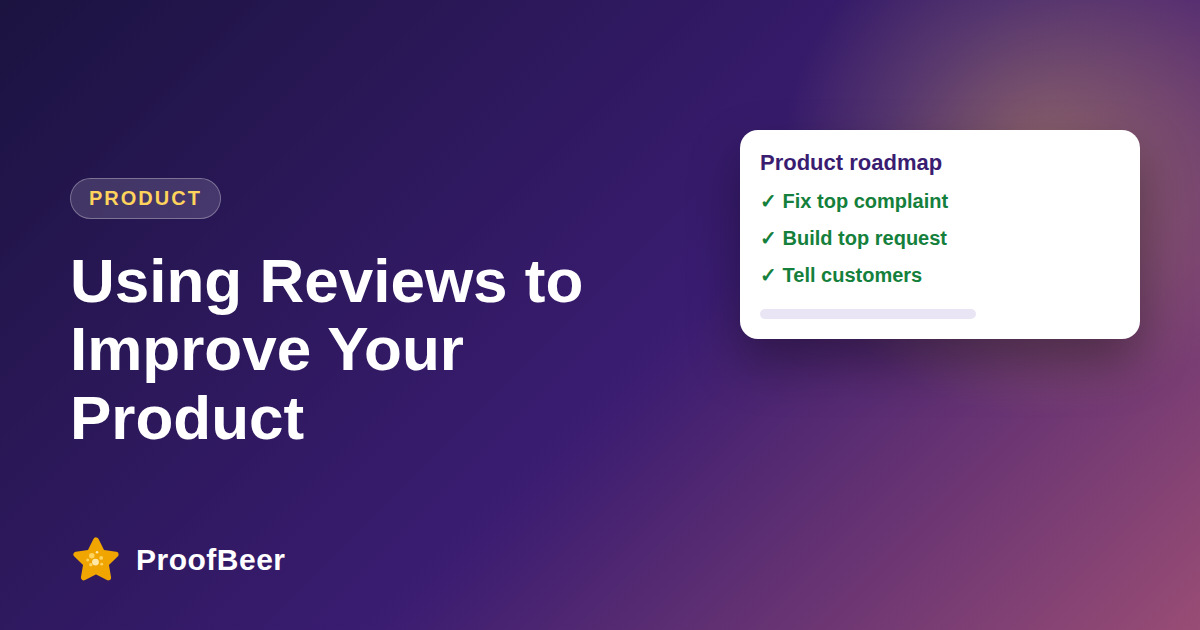
To improve your product with reviews, tag each piece of feedback by theme, count how often each theme appears, prioritise by impact and effort, assign an owner, ship the fix and tell customers when you have done it. Reviews reveal feature requests, usability issues, bugs and documentation gaps that you can act on.
- Reviews are a continuous, free source of product research written in customers' own words.
- Tag every review with consistent themes such as performance, UX, features, support, pricing and bugs.
- Counting themes over time shows which problems are persistent and which are one-off complaints.
- Fix bugs and issues that affect many users before adding new feature requests, unless a request is strategic.
- Combine review data with support tickets and usage data so that you do not prioritise only the loudest voices.
- Assign a named owner and date to every priority theme so feedback does not stall.
- Reply to reviewers after you ship, and mention the change in release notes.
- Three-star and mixed reviews often contain the most balanced, useful product feedback.
How do you categorise review feedback?
- Create a tag list such as performance, UI and UX, features, support, pricing and bugs.
- Use a spreadsheet at first, and move to a tool when the volume of reviews grows.
- Add a severity level so you can separate annoyances from blockers.
- Allow multiple tags per review, because one comment may mention several topics.
- Keep the tag list stable so you can compare counts from month to month.
How do you find patterns in feedback?
- If many reviews mention confusing navigation, that theme is a clear candidate for redesign.
- Look at trends over time to see whether a theme is growing, shrinking or tied to a release.
- Compare segments such as new and long-term customers, or plan tiers, to see different needs.
- Check whether a complaint is concentrated on one platform, device or region.
- Read a sample of reviews for each theme to understand context before deciding what to build.
How do you prioritise what to fix?
- Fix bugs and reliability problems before adding new requests, since they harm trust and retention.
- Address issues that affect many users before niche requests.
- Estimate impact and effort for each item, for example with a simple matrix or a framework such as RICE.
- Consult product, engineering and support to check feasibility and hidden dependencies.
- Balance quick wins that improve ratings with larger projects that support strategy.
What types of feedback appear most often?
- Feature requests describe things customers wish the product could do.
- Performance issues mention slowness, crashes or reliability problems.
- UI problems cover confusing layouts, unclear labels or hard-to-find settings.
- Integration gaps show missing connections with tools customers already use.
- Documentation gaps appear when customers say they could not work out how to use a feature.
How do you close the loop with customers?
- Reply to the reviewer once the issue is fixed, and say specifically what changed.
- Add the change to your release notes or changelog so others can see it.
- Share wins with the team to show that customer feedback leads to action.
- Measure whether the average rating or the theme count changed after the fix.
- Thank customers for their input, because it encourages more helpful feedback in the future.
Step-by-step: how to do this with ProofBeer
Collect reviews from every platform into one sheet or tool.
Tag each review with one or more consistent themes and a severity.
Count mentions by theme and look at the trend over the last quarter.
Prioritise themes using impact, effort and strategic fit.
Assign an owner and a target date for each priority theme.
Ship the fix, then update release notes and reply to the affected reviewers.
Measure theme counts and rating changes, and report them to the team.
Common mistakes to avoid
Metrics to track
Number of mentions for each top theme per month.
Average time from theme identification to shipped fix.
Rating change for the affected product or version after the fix.
Reduction in related support tickets after the fix ships.
Share of fixes that were communicated back to reviewers.
Quick checklist
Examples and templates
performance, UX, features, support, pricing, bugs, documentation
theme, mentions, severity, impact, effort, owner, date
'Thank you for the feedback. We fixed the export problem you described in version 2.4.'
- Keep a column for the original review link so you can return to context
- Review three-star reviews first because they are usually balanced
- Share one customer quote at each product meeting to keep the customer voice present
How ProofBeer Helps You Grow
Tagging and analytics features help you organise reviews by theme and see trends over time .
Sheets sync keeps tagged reviews in a spreadsheet so product and support teams can work from the same data.
Reports and exports make it easy to share top themes with product, engineering and leadership.
Frequently Asked Questions
How can reviews guide product decisions?
Reviews show recurring issues, feature requests and the language customers use. Counting themes and trends over time helps you decide what to fix first, and replying publicly shows that you act on what people tell you.
How do I tag reviews consistently?
Use a short list of categories such as performance, UX, features, support, pricing and bugs, and write a one-line definition for each. Allow multiple tags per review and check consistency by having two people tag the same sample.
Should I prioritise bugs or feature requests?
Bugs and reliability issues usually come first because they harm trust and retention. Balance this with strategic features by estimating impact and effort, and consider how many users each item affects.
How do I tell customers about fixes?
Reply to the original review with a short note about what changed, add the fix to your release notes and email affected customers when appropriate. Keep the tone factual and thankful, and avoid overpromising future changes.
Do I need a tool to analyse reviews for product insights?
Not at the start. A spreadsheet with tags and counts can work for hundreds of reviews. As volume grows, a tool with tagging, search and exports saves time and keeps your process consistent.
How often should I review feedback for the roadmap?
Monthly is a practical rhythm for most teams, with a quicker look after each release. Set a recurring meeting, bring the latest theme counts and decide on owners so feedback leads to action.
Conclusion
Reviews are free product research when you tag them, prioritise carefully and close the loop with
customers. Make feedback review a monthly habit and track whether each fix moves the ratings.
- Product management prioritisation frameworks (RICE, MoSCoW)
- Customer feedback best practice guides