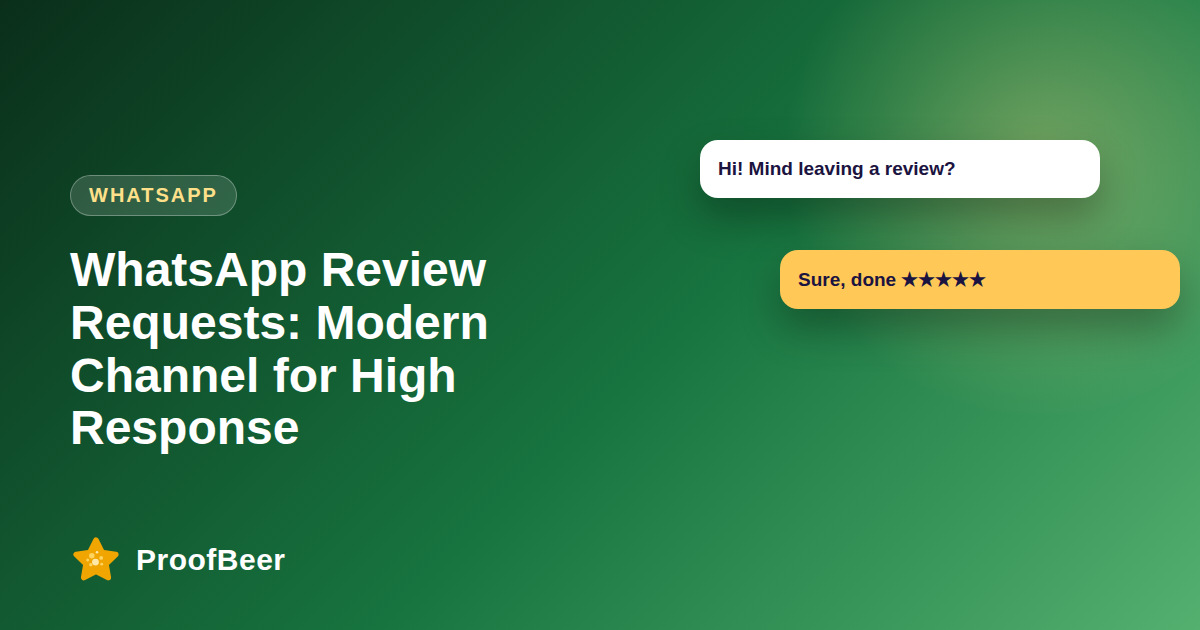
To request reviews on WhatsApp, collect opt-in from the customer first, use a message template approved by WhatsApp for business-initiated messages, send it soon after the service, and link to a short review form. Offer a voice or video option, send at most one reminder, honour opt-outs immediately and follow WhatsApp Business policy and local privacy law.
- WhatsApp is a personal channel that many customers check daily, so review requests there tend to feel more direct than email.
- You need clear opt-in before sending business messages, and you must honour opt-outs without delay.
- Business-initiated messages outside the customer service window generally require a template approved by WhatsApp.
- Keep the message short, personal and focused on one action, which is opening the review link.
- Offer text, voice note and video options to lower the effort for the customer.
- Send one polite reminder at most, then stop.
- Check WhatsApp's current Business Messaging Policy and pricing, because both change over time.
- Store proof of consent and respect GDPR or other local privacy law.
Why is WhatsApp good for review requests?
- Many customers already use WhatsApp every day, so a message there is seen sooner than an email in a crowded inbox.
- The tone is personal and conversational, which suits a short, friendly request.
- Delivery and read status give you a rough signal of whether a message was seen.
- Customers can reply with a voice note, which is easier than typing for some people.
- It works well for local services, clinics, restaurants and shops where WhatsApp is already the main contact channel.
How do you get opt-in the right way?
- Ask for permission at booking, checkout or in person, and state that the number will be used to send service updates and a review request.
- Use a clear checkbox or a recorded verbal consent with a date, never a pre-ticked box.
- Tell customers how to stop messages, for example by replying STOP.
- Store the consent record with the phone number, the date and the wording shown.
- Never message numbers taken from lists you bought or scraped.
How do message templates work?
- Business-initiated messages outside the customer service window generally need a pre-approved template submitted through the WhatsApp Business Platform.
- Templates have a category such as utility or marketing, and the category affects approval and pricing, so check the current rules.
- Variables such as the customer name and the service let you personalise without breaking the template.
- Keep the text short and avoid promises of rewards or pushy language that might cause rejection.
- Test the template with a few internal numbers before sending to customers.
What is the best timing and message flow?
- Send the first message within about a day of the service while the experience is fresh, and check the allowed messaging window for your account.
- Include a direct link to a short form that takes about one minute.
- Send a single reminder two or three days later if there is no response, then stop.
- Avoid late-night or weekend sends unless your customers expect them.
- Thank customers when they reply and, if they mention a problem, switch to a private support conversation.
How can you collect voice and video testimonials?
- Invite customers to send a short voice note describing the experience in their own words.
- Ask for permission in writing to transcribe and publish the audio or video, and tell them where it will appear.
- Transcribe the clip into text and keep the original for authenticity.
- Moderate each submission before using it, and remove personal details such as addresses.
- Offer a text-only option because some customers prefer not to record themselves.
What compliance points matter most?
- Follow the WhatsApp Business Messaging Policy and Commerce Policy, and check them again whenever you launch a new campaign.
- Respect GDPR and other privacy laws, including data minimisation and the right to withdraw consent.
- Do not send unsolicited promotions mixed into a review request message.
- Keep opt-out handling simple, fast and properly logged every time.
- If you offer any reward, follow the rules on incentivized reviews and disclose it.
Step-by-step: how to do this with ProofBeer
Collect opt-in at booking, checkout or in person and record the date and wording.
Set up a WhatsApp Business account or the WhatsApp Business Platform through a provider.
Write a short review request template with the customer name and a link variable.
Submit the template for approval and wait for confirmation before sending.
Test the flow with your own number to check the link, the preview and the opt-out reply.
Send the request within about a day of the service to opted-in customers only.
Send one reminder after two or three days to those who have not responded.
Measure response rate, completed reviews and opt-outs, and refine the wording monthly.
Common mistakes to avoid
Metrics to track
Template delivery rate and read rate.
Click-through rate on the review link.
Review completion rate per message sent.
Opt-out rate per campaign.
Median time from service to review.
Quick checklist
Examples and templates
'Hi {{1}}, thanks for choosing {{2}}! Would you share a quick honest review? It takes about a minute: {{3}}. Reply STOP to opt out.'
'Hi {{1}}, a quick reminder in case you have a minute to review your visit: {{2}}. Thank you!'
'If you prefer, send us a short voice note about your experience and tell us if we may share it.'
- Keep the first line friendly and the link last
- Never promise a reward for a positive review
- Add the opt-out phrase to every template
How ProofBeer Helps You Grow
Create a short mobile-friendly review form that opens quickly from a WhatsApp link.
Use a voice or video testimonial option and keep submissions in one place for moderation.
Bring the finished reviews into one dashboard alongside Google and Facebook reviews so the team sees all feedback together.
Frequently Asked Questions
Can I send review requests on WhatsApp without opt-in?
No. You should only message customers who have agreed to receive messages from your business on WhatsApp. Sending to people without consent can breach WhatsApp's policy, privacy law and customer trust, and may lead to a blocked or restricted account.
Do I need a WhatsApp message template?
For business-initiated messages outside the customer service window, templates approved by WhatsApp are generally required. Replies within the service window can be free-form, but you should confirm the current rules for your account and region.
What should a WhatsApp review request say?
Keep it brief: thank the customer by name, mention the service, ask for a short honest review and include a single link. Add a line on how to opt out. Avoid exaggerated claims or any request for a specific rating.
How many reminders are appropriate?
One reminder is usually enough, sent a few days after the first message. More than that risks annoying customers and increasing opt-outs, which can hurt your messaging quality and your relationship with them.
Can customers send a voice or video testimonial?
Yes, customers can send voice notes or short videos in a WhatsApp chat. Ask for explicit written permission before publishing, transcribe the clip, moderate it and avoid sharing personal details without consent.
Is WhatsApp better than email for reviews?
It depends on your audience. WhatsApp can give faster replies in markets and industries where it is the main channel, while email suits formal or international customers. Test both on a small group and compare completion rates.
Conclusion
WhatsApp can be an effective review channel when you respect consent, use approved templates and keep messages short. Start with a small test, learn from the response rate and always make it easy
to opt out.
- WhatsApp Business Messaging Policy
- WhatsApp Business Platform documentation