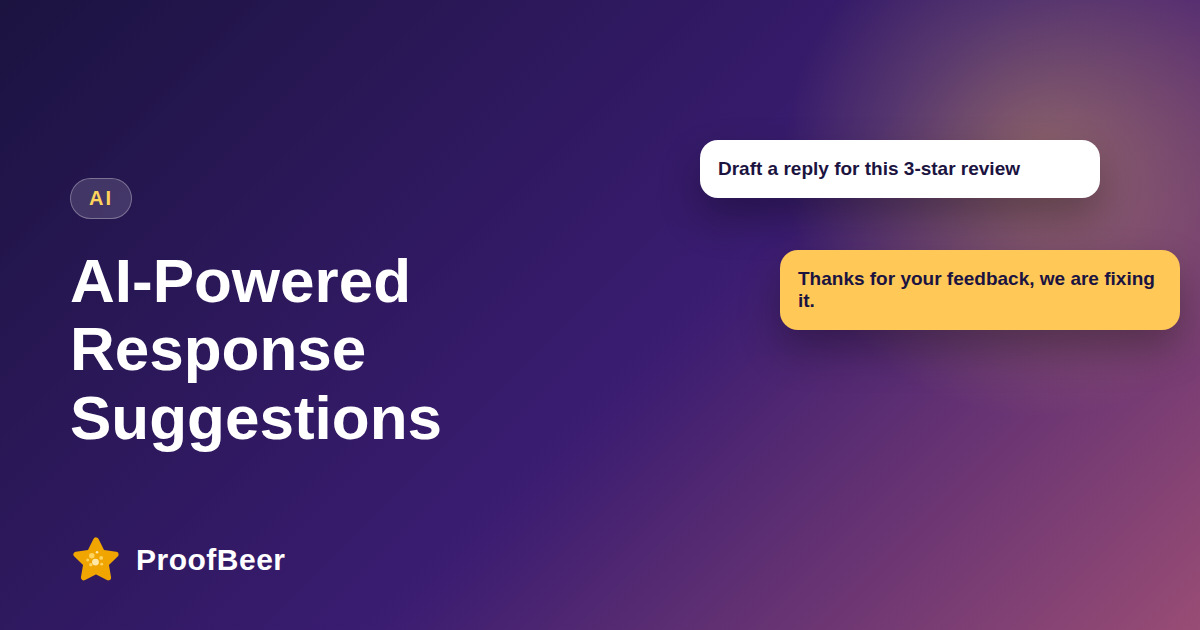
AI review response tools read a review and draft a reply in your brand voice, and a person edits and approves it before it goes live. Teach the AI with 20-30 of your best past replies, generate two or three options per review, check every fact and tone, then publish. This saves drafting time while keeping replies personal, accurate and safe.
- AI is best used for first drafts of review replies, and a human should approve every response before it is published.
- Giving the AI 20-30 of your best past replies and a short brand voice guide makes drafts sound like your company.
- Asking for two or three options per review, such as professional, friendly and empathetic, makes editing faster than starting from scratch.
- Every draft must be checked for facts, promises and private details before publishing, because the AI cannot know what really happened.
- Crisis situations, legal threats and unclear complaints should always go to a person instead of an AI draft.
- Keeping a log of the original review, the draft, the edits and the final reply gives you an audit trail and helps you improve prompts.
- Measuring time to reply, edit rate and customer follow-up outcomes shows whether AI is actually helping.
- Avoid naming a specific AI model in your process documents, because tools change quickly and a general description stays accurate.
How does an AI review response workflow work?
- Train the assistant by giving it 20-30 of your best past replies together with a short written tone guide.
- Detect each new review and note its star rating, sentiment and the topics the customer mentions.
- Generate two or three draft replies so the reviewer on your team can pick the closest match.
- Have a person edit, personalise and approve the draft, adding any detail only your team knows.
- Publish the reply and log the review, the draft and the final text for later quality checks.
What makes an AI-drafted reply good?
- It uses the reviewer's first name and refers to one specific detail from the review, which shows a real person read it.
- It thanks the customer for the feedback and, where something went wrong, apologises sincerely without over-dramatising.
- It offers a clear next step, such as a support email address or a phone line, so the conversation can continue privately.
- It stays short, usually two to four sentences, because long replies look defensive and few people read them.
- It matches your brand voice, so replies on different platforms and from different team members feel consistent.
Which prompts work well for review replies?
- A simple prompt could be: write a friendly three-sentence reply to this five-star review and mention the feature the customer praised.
- For a critical review you could ask: write an empathetic reply that apologises, does not admit legal fault and invites the customer to email support.
- A rewrite prompt can help consistency, for example: rewrite this reply in our brand voice, warm and concise, with no exclamation marks.
- Always paste your brand guidelines and any do-not-say list into the prompt so the AI follows your rules.
- Save the prompts that work as team templates so everyone gets similar quality.
What safety checks should you run before publishing?
- Remove any personal, medical or order-specific information that the customer did not already share publicly.
- Check every claim and number against your records, because AI can sound confident while being wrong.
- Never blame the customer, and never promise a refund, replacement or discount without manager approval.
- Make sure the reply follows the platform's policies and does not offer a reward in exchange for changing a review.
- Keep a record of what was changed so you can explain any decision later.
When should you not use AI for a reply?
- When the review includes a legal threat, a safety concern or an accusation that needs investigation by a manager.
- When the customer is a major account or a VIP whose relationship deserves a personal touch.
- When you work in a regulated industry and compliance has not approved the wording for public replies.
- When the facts are unclear and nobody has checked what actually happened.
- When the AI tool is not approved to handle the customer's personal data under your privacy rules.
Step-by-step: how to do this with ProofBeer
Collect 20-30 of your best past replies across different ratings and topics.
Write a one-page brand voice guide with tone, banned phrases and sign-off style.
Choose an AI tool or feature that your privacy rules allow you to use with customer text.
Test the prompts on 20 old reviews and compare the drafts with what you actually sent.
Set approval rules by rating, for example a manager must approve all one- and two-star replies.
Launch with human review on every reply and keep a simple log of edits.
Review quality monthly and update the examples and prompts that produce weak drafts.
Common mistakes to avoid
Metrics to track
Average time from review received to reply published.
Edit rate of AI drafts, meaning how often and how much staff change them.
Share of reviews that receive a reply within your target time.
Customer follow-up outcomes such as resolved complaints or updated ratings.
Quality score from a monthly audit of a sample of replies.
Quick checklist
Examples and templates
'Write a friendly three-sentence reply to this review. Mention the specific feature praised. Do not offer discounts.'
'Write an empathetic reply that apologises, does not admit legal fault and invites the customer to email our support address.'
'Rewrite this reply in our brand voice: warm, concise, no exclamation marks, maximum four sentences.'
- Ask the AI for a shorter version if the first draft runs long
- Add one detail only a human could know, such as a team member's name
- Refresh the example replies every quarter so the voice stays current
How ProofBeer Helps You Grow
ProofBeer brings reviews into one dashboard so your team can see new feedback and reply from a single workflow.
AI-assisted reply drafts can sit on top of that workflow with a human approval step .
Logging of replies and team roles helps you keep an audit trail and consistent tone across everyone who answers.
Frequently Asked Questions
Can AI write replies to customer reviews?
Yes, as a draft. AI is good at producing a clear first version quickly, but a person should check the facts, adjust the tone and approve the reply before it is published on any review platform.
Will AI review replies sound robotic?
They can if the prompt is generic. Give the AI examples of your best replies and a short tone guide, then edit each draft to add a real detail so it sounds like a person wrote it.
Is AI safe to use for negative reviews?
Use it carefully. It can help draft a calm apology, but serious complaints, legal threats and safety issues should be escalated to a person who can investigate and decide what to promise.
How much time can AI save on review replies?
Teams often save drafting time, especially on repetitive positive reviews, but results vary by volume and quality of examples. Measure your own time to reply before and after instead of trusting a generic percentage.
Do review platforms allow AI-written replies?
Platforms generally care about accuracy, policy compliance and spam rather than how the text was drafted. You are responsible for what you publish, so check each platform's current rules and keep human approval in place.
What should I never paste into an AI tool?
Avoid sensitive personal information such as health details, payment data or private order notes unless your tool and policy are approved for it. Use only the public review text and the minimum context needed.
Conclusion
AI makes review replies faster, but trust still comes from human judgement. Draft with AI, check
every fact, edit for warmth and keep a record so quality improves over time.
- Google Business Profile - respond to reviews guidance
- FTC guidance on endorsements
- Your AI vendor's data-use policy