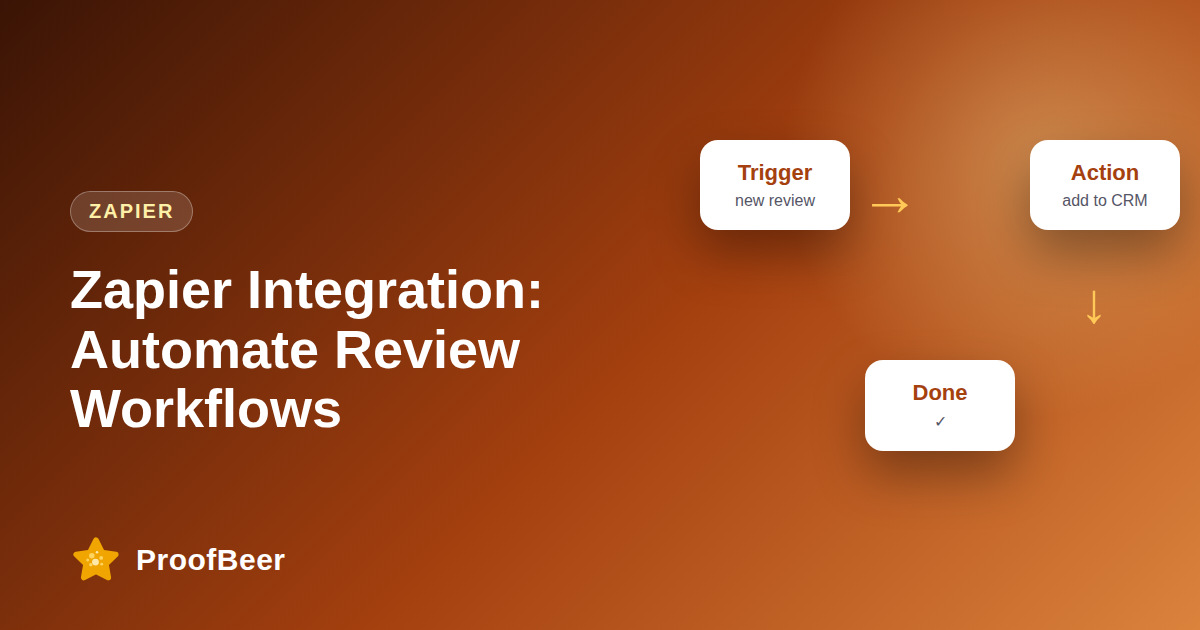
With Zapier you can trigger actions the moment a review arrives, such as posting it to Slack, adding a row to Google Sheets, tagging the customer in your CRM, creating a task for negative feedback or sending a thank-you email. Each Zap needs a trigger, an optional filter and an action, and simple ones are often quick to build.
- Zapier connects new reviews to the rest of your tools without code, so feedback turns into action automatically.
- Seven workflows cover alerting, logging, CRM tagging, thank-you emails, support tasks, social content and a weekly digest.
- Filters on rating, source or keyword make sure only the right reviews trigger each action.
- Test every Zap with sample data and turn on error notifications before relying on it.
- Never auto-publish public replies without a person approving them.
- Keep personal data to the minimum in each connected tool and document what every Zap does.
- Webhooks or the API are a better fit when volume is high, logic is complex or you need tighter security.
- Do not send discount codes automatically to unhappy reviewers, because that can look like an attempt to influence reviews.
What are seven useful Zapier workflows for reviews?
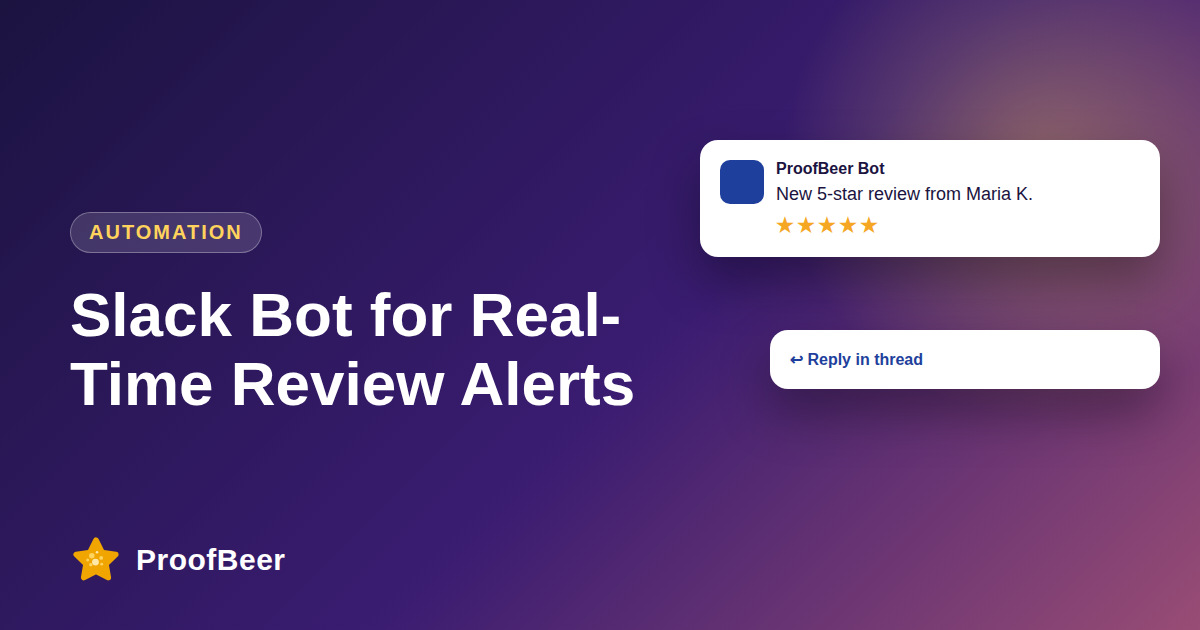
- Slack alert: post each new review to a channel such as reviews so the team sees it immediately.
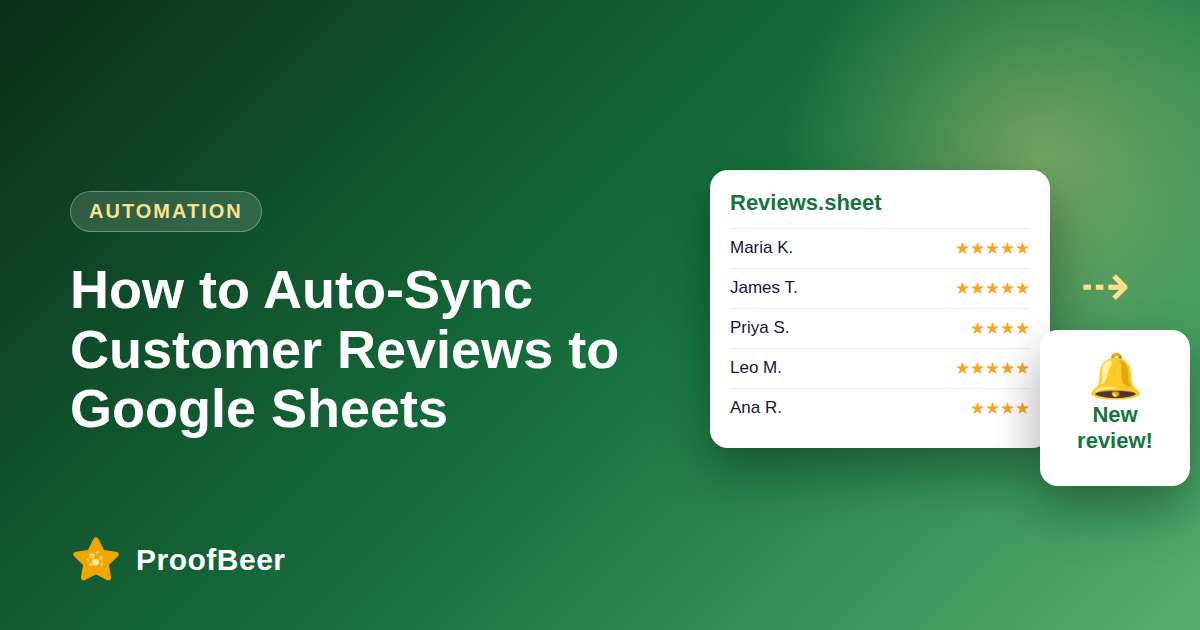
- Google Sheets log: add a row for every review with rating, source, date and text for reporting.
- CRM tag: tag five-star reviewers as promoters in your CRM so sales and success teams can follow up.
- Thank-you email: send a short, genuine thanks to the reviewer, drafted by a person and sent by automation.
- Support task: create a task in your project tool when a one- or two-star review arrives.
- Social content feed: send approved five-star quotes to a design template for graphics.
- Weekly digest: summarise the week's reviews and send them to leadership.
How do you build a Zap for new reviews?
- Choose the trigger, which is a new review in your review tool or an incoming webhook.
- Add a filter such as only continue if the rating is five or only if it is two or lower.
- Choose the action app, for example Slack, Google Sheets, your CRM or email.
- Map the fields, such as reviewer name, rating, text and link, into the action.
- Test with a sample review, turn the Zap on, and watch the task history for a week.
How do filters and conditions help?
- Rating filters let you route happy reviewers to one workflow and unhappy ones to another.
- Source filters keep Google reviews separate from other platforms when they need different handling.
- Keyword filters can flag mentions of billing, delivery or safety for the right team.
- Paths allow different outcomes inside one Zap, though they may depend on your Zapier plan.
- Delays and checks prevent loops and duplicate actions when several Zaps touch the same record.
How do you keep review automations reliable and compliant?
- Use a shared service account instead of one person's login so the Zap keeps working when staff change roles.
- Turn on error notifications so a failed step reaches a human quickly.
- Send only the fields each tool needs and avoid copying personal data into many places.
- Do not auto-publish replies and do not automate rewards in exchange for reviews.
- Document each Zap, its owner and its purpose in a shared register.
When should you use webhooks or the API instead?
- When review volume is high and per-task pricing becomes expensive.
- When you need custom logic that is awkward to express in a visual builder.
- When security rules require data to stay inside your own systems.
- When workflows have many branches and are easier to test as code.
- When you want a version-controlled, reviewable integration instead of a point-and-click one.
Step-by-step: how to do this with ProofBeer
List the actions you want to happen after each type of review.
Create one Zap per action, starting with the Slack alert and the Google Sheets log.
Add filters for rating, source or keywords so only relevant reviews trigger each Zap.
Test each Zap with sample data and check the output in the target app.
Turn on error notifications and name an owner for every Zap.
Turn the Zaps on and check the task history after the first few reviews.
Review costs, remove unused Zaps and update filters every quarter.
Common mistakes to avoid
Metrics to track
Share of Zaps that ran without errors in the last month.
Hours saved per week compared with manual copying and posting.
Number of reviews converted into tasks, tags or logged rows.
Median response time to low-rated reviews after the Slack alert was added.
Monthly automation cost compared with the time saved.
Quick checklist
Examples and templates
Trigger new review, filter rating two or lower, action create a task in the support queue with the review link.
Trigger new review, filter rating five, action tag the customer as promoter in the CRM.
Trigger every Monday, action send a summary of the last seven days of reviews to the leadership channel.
- Name every Zap with its purpose and owner so it is easy to audit
- Avoid chaining many Zaps on the same record to prevent loops
- Use a separate test channel for the first week of every new Zap
How ProofBeer Helps You Grow
Review collection and approval live in ProofBeer, so automations start from clean, moderated feedback.
Webhooks and Google Sheets sync can feed automation tools like Zapier or Make.
Slack and email alerts give you immediate notifications without building a custom Zap.
Frequently Asked Questions
Does ProofBeer work with Zapier?
Check ProofBeer's integrations page for the current connector status. If a direct connector is not listed, webhooks or the Google Sheets sync can usually feed Zapier.
Can I auto-reply to reviews with Zapier?
You can draft or suggest replies, but do not publish them without a person approving them. Automatic replies can be inaccurate, repetitive and may break platform rules, so keep human review in the loop.
How long does it take to set up a Zap?
Simple workflows with one trigger and one action can often be built in a matter of minutes. Allow extra time for field mapping, filters, testing and agreeing who owns the Zap.
What does Zapier cost for review automation?
Pricing depends on how many tasks you run each month and which plan features you need. Check Zapier's current plans and estimate monthly review volume multiplied by the number of steps per Zap.
Can I use Make instead of Zapier?
Yes. Make offers similar scenarios with triggers, filters and actions, and the same seven workflows can be built there. Choose based on pricing, features, the connectors you need and your team's comfort.
How do I test a Zap before turning it on?
Use the sample data inside the Zap editor or send a test review through your trigger. Check every mapped field in the target app, confirm filters behave correctly, and review the task history after launch.
Conclusion
Automation turns reviews into action instead of a passive feed. Start with two simple Zaps, such as a Slack alert and a Sheets log, then expand once they run reliably and have clear owners.
- Zapier documentation - Filters and Paths
- Make.com documentation