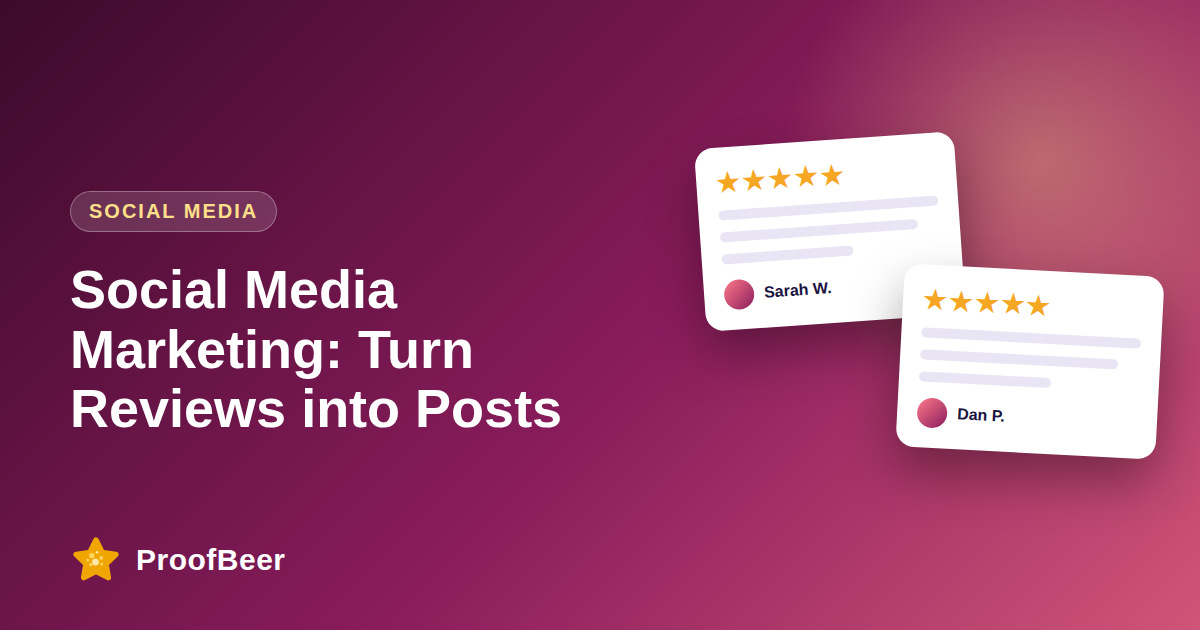
Turn customer reviews into social posts by choosing specific five-star quotes, getting written permission, and repurposing each one as a quote graphic, carousel, customer spotlight, short video, story or LinkedIn post. Publish two to four review-based posts a week, link each to your full reviews page, and measure saves, shares and link clicks to learn which formats work.
- Customer reviews are authentic, ready-made content, but you need the customer's permission before you post their name, photo or company.
- Eight formats cover most needs: quote graphic, carousel, customer spotlight, short video, story, LinkedIn post, comment reply and case snippet.
- Specific, result-focused quotes such as 'saved us 5 hours a week' outperform generic praise like 'great product'.
- Plan a weekly rhythm so review content becomes a habit instead of a one-off campaign.
- Measure saves, shares and link clicks, not only likes, because they show buying intent.
Why reviews make strong social content
- Reviews are written in the customer's own words, which feels more believable to followers than polished brand copy.
- They answer the exact doubts people raise in comments and direct messages, such as 'is it easy to set up?' or 'how fast is delivery?'.
- A single review can be reused across several formats, so one piece of feedback gives you a week of content.
- They work at every funnel stage: awareness (a quote graphic), consideration (a carousel of results) and decision (a spotlight with a link to pricing).
- They cost far less to produce than studio content, which helps small teams keep a steady posting schedule.
Eight content formats you can start with
- Quote graphic: place one strong sentence on a branded template with the customer's name, role and a five-star row.
- Carousel: use five best reviews, or tell a three-slide story of problem, quote and result, ending with a call to action.
- Customer spotlight: a weekly feature with a photo, a short story and one measurable result.
- Short video: ask the customer to read or summarise their review in 20-30 seconds, with captions on screen.
- Story or reel: post a screenshot of a review with a poll sticker such as 'What matters most to you: speed or support?'.
- LinkedIn post: for B2B, tell a five-to-seven line story ending with a quote and a link to the full case study.
- Comment reply: when someone asks a question, answer it and attach a relevant customer review as evidence.
- Case snippet: share three metrics plus one quote and link to the longer story.
Consent, credit and compliance
- Ask for written permission before using a name, photo, company logo or video, and keep the approval on file with the date.
- Do not edit a quote in a way that changes its meaning; trimming for length is fine if the sense stays the same.
- Tag customers only when they agree, and credit them clearly in the caption.
- If you gave any reward for the review, disclose it, because the FTC rules on consumer reviews and endorsements apply to marketing use too.
- Follow each platform's rules for user-generated content and branded content.
A simple weekly content calendar
- Monday: a quote graphic that opens the week with social proof.
- Wednesday: a carousel or short video that tells a fuller story.
- Friday: a customer spotlight or a story with a poll to start a conversation.
- Add one link to your reviews page or a relevant landing page in every post.
- Save your best performing templates so each new post takes minutes, not hours.
How to measure and improve
- Saves and shares show that people find the content useful enough to keep or pass on.
- Link clicks and landing-page conversions show purchase intent.
- Profile visits and follower growth show awareness.
- Compare review-based posts with product-feature posts over a month to see which earns more engagement.
- Feed the results back into which reviews you choose and which formats you repeat.
Step-by-step: how to do this with ProofBeer
Export the latest approved five-star reviews from your ProofBeer dashboard or review sheet.
Pick quotes that name a specific result, feeling or feature, and skip generic praise.
Ask each customer for written permission by email or through a consent checkbox in your form.
Design one reusable template per format in your brand colours and fonts.
Schedule two to four posts per week using a planner or scheduling tool.
Reply to comments with extra proof, such as another review on the same topic.
Review performance every month and keep the two formats that earn the most saves and clicks.
Common mistakes to avoid
Metrics to track
Engagement rate on review posts compared with other posts.
Saves and shares per post.
Link clicks and landing-page conversion rate.
Followers gained per month.
Number of approved reviews turned into posts each month.
Quick checklist
Examples and templates
'It cut our reporting time in half.' - Sarah M., Operations Lead, 5 stars
Slide 1 the problem, Slide 2 the customer quote, Slide 3 the result, Slide 4 'See more reviews'
'We asked a customer why they switched. Here is what they said...' followed by the quote and a link
- Add captions to every video because many people watch without sound
- Reuse the same review in a different format after four to six weeks
- Keep a spreadsheet of approved quotes with permission dates
How ProofBeer Helps You Grow
Collect and approve testimonials in one dashboard with consent captured at submission.
Sync reviews to Google Sheets so a design automation can build graphics from approved rows.
Share a Wall of Love page that you can link from every social profile and post.
Frequently Asked Questions
Can I repost customer reviews on social media?
Yes, if you have permission, especially when the review includes a name, photo, company or other identifying detail. Ask in writing, tell the customer where it will appear and credit them in the caption. Reviews posted on a third-party platform may also be subject to that platform's terms.
Which social platform is best for sharing reviews?
It depends on your audience. LinkedIn works best for B2B and professional services, Instagram and TikTok suit consumer and visual brands, and Facebook suits local businesses. Start with the one where your customers already spend time and test formats there before expanding.
How often should I post review content?
Two to four times a week is a good starting rhythm for most brands. Rotate formats so followers do not see the same layout every time, and pause or slow down if engagement drops for several weeks in a row.
Should I share negative reviews?
You would not normally use a negative review as content, but publicly responding with a clear fix can show accountability. If you later resolve the issue and the customer agrees, a short 'you spoke, we changed it' post can build credibility.
What tools can I use to create review graphics?
Design tools such as Canva or Figma work well, and automation tools such as Zapier or Make can create graphics from a spreadsheet of approved reviews. Keep a human approval step before anything is published.
How do I choose which reviews to post?
Look for specific outcomes, emotion and concrete details such as numbers, time saved or a named feature. Filter by rating and permission status, and balance different customer types so the feed does not look one-sided.
Conclusion
Reviews are the easiest content a brand can reuse. Ask for permission, turn the best quotes into formats your audience likes, and always link back to the full proof so interest becomes action.
- Instagram / TikTok business creator guidelines
- FTC Endorsement Guides
- Sprout Social Index